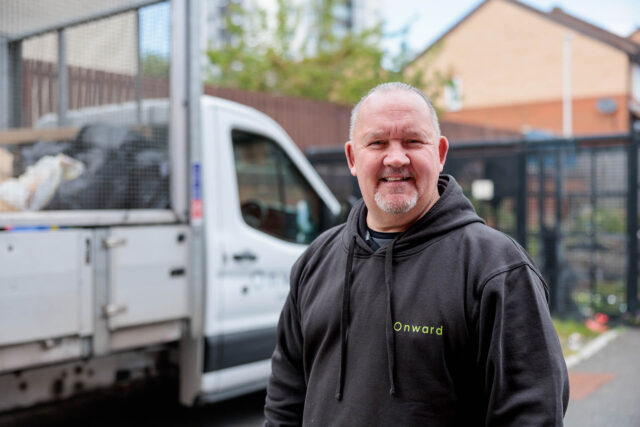
Waste management
Removing and reducing fly tipping across your neighbourhood.

Simply click on the magnifying glass below to enter your postcode and select a service to get started. If you need some help, please watch this video, explore our step-by-step guide below, or get in touch for further support.
Please note that scheduled dates for future visits may move due to bank holidays, events outside of our control (such as bad weather) and the availability of our operatives.
Head to the search box at the top left of the tracker to type in your postcode and click enter. The map will then take you to your area.
Once the map has taken you to your area, you will see homes highlighted in yellow. You can use the + and – buttons to zoom in and out on the map.
When you have found your home, click on it. A blue outline will appear around your home, and details will be shown on the right-hand side.
You can also use the layer button to show different map views, such as satellite.
Click on the green ‘VIEW WORK’ button to access details about the environmental services you receive. Here, you can use the ‘Timeframe’ dropdown to view past and future visits.
For past visits, you will see the name of team who attended, along with the date and before and after photos of the work they completed. To preview the photos, click on the green photo icon on the right-hand side and they will appear. You can then use the arrows to scroll forwards and backwards through the photos.
For future visits, you will see the name of team that will be attending and the date you can expect them. Occasionally, some scheduled dates may move due to bank holidays and events outside of our control, such as bad weather.
Once you have finished exploring past and future visits. You can exit the Environmental Tracker by clicking the ‘X’ button in the top right-hand corner and closing the browser.

If you have any questions about our environmental services or need help accessing the tracker, please get in touch.
Onward Environmental is responsible for maintaining and managing spaces across your neighbourhood. This includes waste management, cleaning, grounds and tree maintenance in shared areas, shared gardens and some open spaces.
Removing and reducing fly tipping across your neighbourhood.
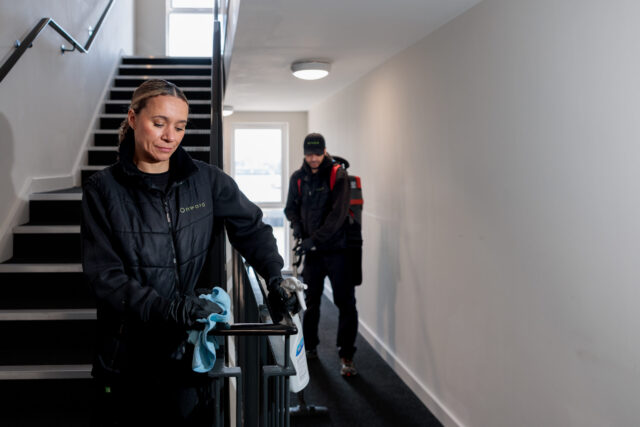
Internal, external and window cleaning for buildings with communal areas.
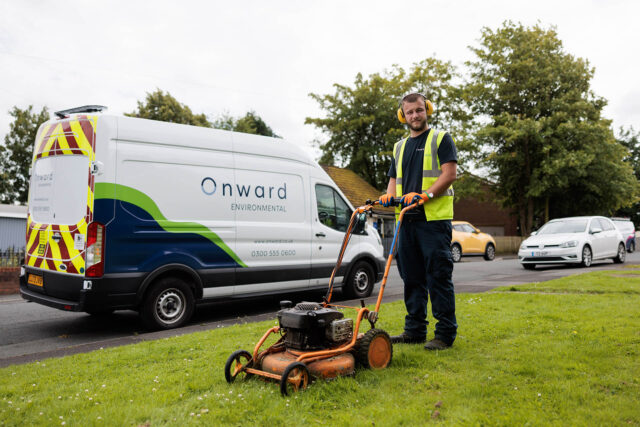
Looking after communal gardens in our neighbourhoods.
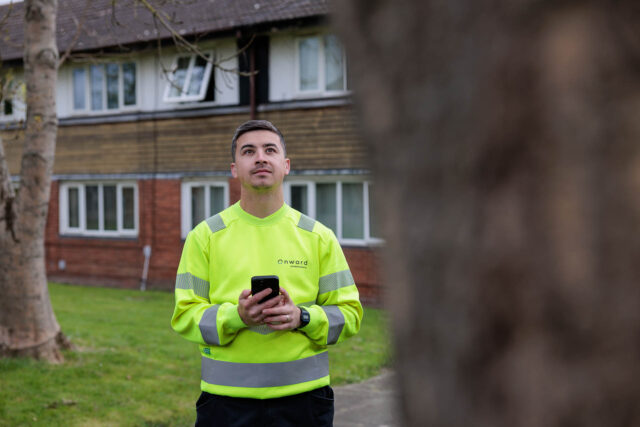
Keeping the trees across our neighbourhoods healthy and safe.